


A great visual can decide whether someone reads your work or scrolls past it. The best AI image generators in 2026 turn that bottleneck into a superpower: type a sentence, and within seconds you get artwork or illustrations that once required a designer and a week of revisions.
This guide compares the best AI image generators 2026 has produced, side by side. You will learn how these generators work, which one fits your creative goals and budget, and how to write prompts that get professional results. If you already use AI agents in 2026 to handle routine work, image generation is the natural next skill to add to your toolkit.
What Is an AI Image Generator?
An AI image generator creates images from a text description, called a prompt. A neural network trained on millions of image-and-text pairs converts your words into pixels: modern diffusion models start with visual noise and refine it step by step until it matches your description.
Early generators produced distorted faces and garbled text. Today’s models render photorealistic portraits, coherent multi-subject scenes, and legible typography inside posters and logos — which is why they have moved from novelty apps into real creative workflows.
How AI Image Generators Work in 2026
The core workflow has stayed simple even as the models got smarter:
Text prompt → neural network → finished image
You describe what you want, choose a style or aspect ratio, and the model renders it. Advanced tools add editing: change one region, extend the canvas outward, or generate variations of a result.
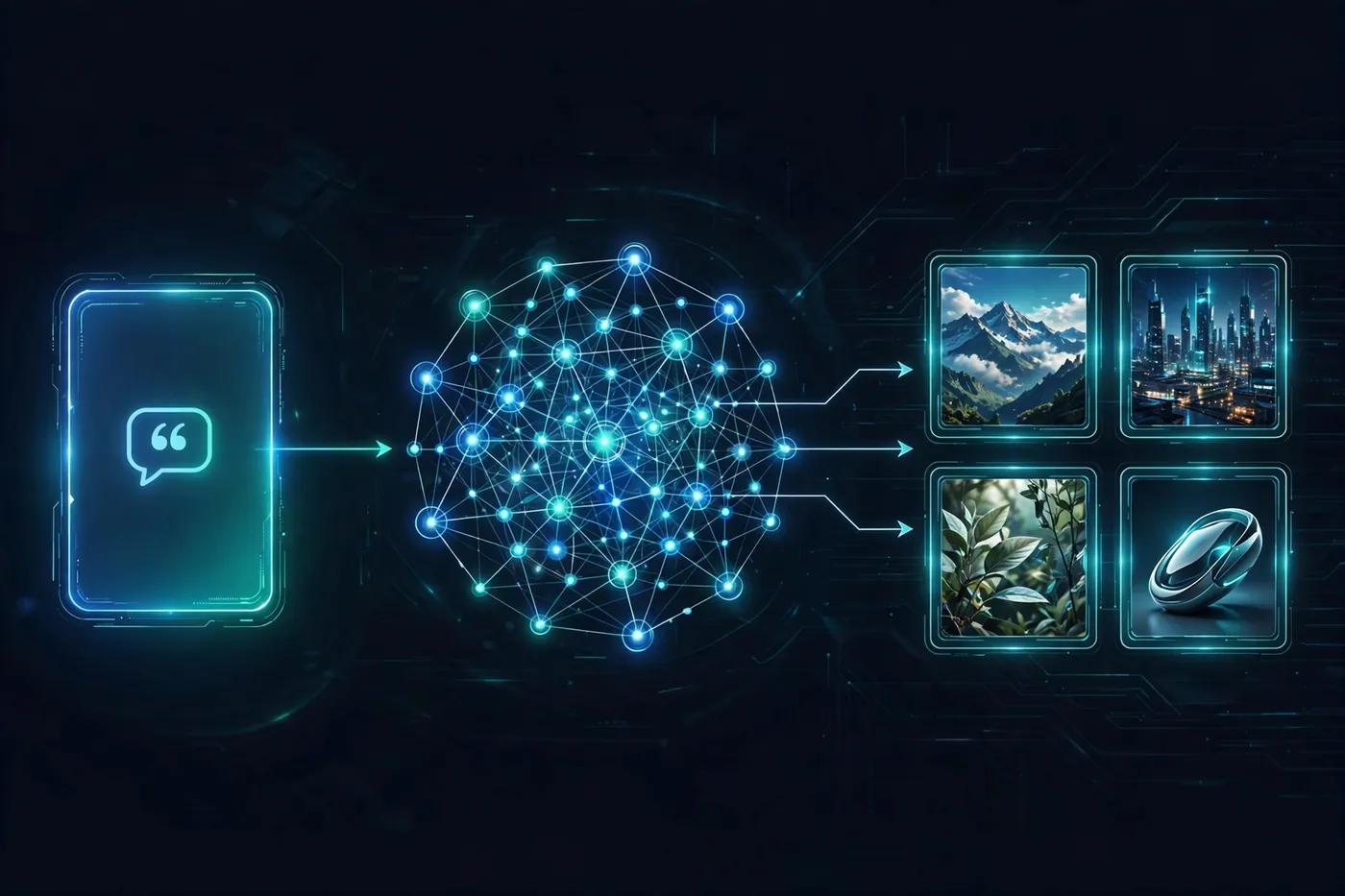
Three advances define the 2026 generation: better language understanding for complex prompts, character consistency that keeps the same person or product identical across images, and readable in-image text from models like Ideogram and Flux. Pairing image generation with strong prompt engineering in 2026 skills multiplies what you can produce.
The 7 Best AI Image Generators in 2026
Each tool below leads in a different lane. The comparison table gives you the quick view; the breakdown explains who should pick what.
| Tool | Best For | Starting Price | Free Option |
|---|---|---|---|
| Midjourney V7 | Artistic quality | From ~$10/mo | No |
| DALL·E / GPT Image (ChatGPT) | Beginners, conversational editing | From ~$20/mo | Limited |
| Google Gemini (Nano Banana Pro / Imagen) | Free photorealism | Free | Yes |
| Adobe Firefly | Commercial-safe content | From ~$9.99/mo | Yes |
| Flux 2 | Open-source and developers | Free (self-hosted) | Yes |
| Ideogram 3 | Text inside images | From ~$8/mo | Yes |
| Leonardo AI | Game and design assets | From ~$12/mo | Yes |
Prices are indicative and change often — always confirm the current plan before subscribing.
1. Midjourney V7 — Best Artistic Quality
Midjourney remains the benchmark for images that look beautiful rather than merely accurate. Version 7 delivers cinematic lighting, strong composition, and an aesthetic polish rivals struggle to match — now through a full web app, no Discord required.
- Strengths: unmatched aesthetic quality, style references, character consistency features, active creative community.
- Weaknesses: no free tier, weaker at rendering text inside images, less literal prompt-following than rivals.
Choose Midjourney when your top priority is how good the image looks — concept art, marketing visuals, and anything where mood matters.
2. DALL·E / GPT Image in ChatGPT — Easiest for Beginners
If you already use ChatGPT, this is the most frictionless way to generate images: describe what you want in plain conversation and refine it by talking — “make the sky darker,” “add a person on the left.”
- Strengths: excellent prompt adherence, natural-language editing, readable text in images, zero learning curve.
- Weaknesses: full access requires a Plus subscription (~$20/mo), caps on heavy usage.
Choose DALL·E when you want the easiest path from idea to image and already live inside ChatGPT.
3. Google Gemini (Nano Banana Pro / Imagen) — Best Free Photorealism
Google’s image models inside the Gemini app are arguably the best free option in 2026: Nano Banana Pro leads on photorealistic people and character consistency, Imagen on natural scenes — and the free tier is remarkably capable.
- Strengths: free, strong photorealism, identity fidelity, tight integration with Google apps.
- Weaknesses: fewer pro-level art controls than Midjourney or Flux.
Choose Gemini when you want high-quality results without paying — it is the best free AI image generator in 2026 for most people.
4. Adobe Firefly — Safest for Commercial Use
Firefly trains on licensed and public-domain content, making it the go-to choice when legal safety matters. It integrates directly with Photoshop and Creative Cloud, so designers generate, edit, and composite in one ecosystem.
- Strengths: commercially safe training data, Photoshop integration, vector and style features.
- Weaknesses: trails the leaders on raw photorealism and artistic range.
Choose Firefly when you publish client work or brand content and need clean licensing.
5. Flux 2 — Best Open-Source Option
Flux 2 offers open weights, so developers can self-host or build products on it. Hosted versions deliver convincing photorealism with strong text rendering at a low per-image cost.
- Strengths: open-source, excellent photorealism, good in-image text, cheap per-image API costs.
- Weaknesses: needs setup or an API for self-hosting; less hand-holding than consumer apps.
Choose Flux when you want control, privacy, or to build image generation into your own product.
6. Ideogram 3 — Best for Text Inside Images
Posters, logos, and thumbnails live or die on typography — and Ideogram renders text inside images more accurately than anyone else, with a free tier for experimentation.
- Strengths: sharpest typography and logos, clean design-style outputs.
- Weaknesses: narrower general range than Midjourney or Gemini.
Choose Ideogram when your images must contain readable words: ads, book covers, social posts, and brand graphics.
7. Leonardo AI — Best for Game and Design Assets
Leonardo built its reputation on game art, textures, and consistent asset pipelines. It offers a free daily token allowance plus canvas editing and trained style models for designers and indie game developers.
- Strengths: game-ready assets, fast generation, generous free tier, style training.
- Weaknesses: interface can feel complex for absolute beginners.
Choose Leonardo when you create game art, concept sheets, or branded design assets at volume.
Key Features to Compare Before You Choose
Price alone is a poor way to pick. Compare these instead:
- Output quality: photorealism vs. artistic style — which do you need?
- Text rendering: only some models spell words correctly inside images.
- Editing tools: inpainting, outpainting, and conversational edits save hours.
- Consistency: can it keep the same character or product identical across images?
- Licensing: check commercial-use rights, especially for client work.
- Speed and limits: generation time and monthly caps.
How Do You Write Prompts That Get Great Results?
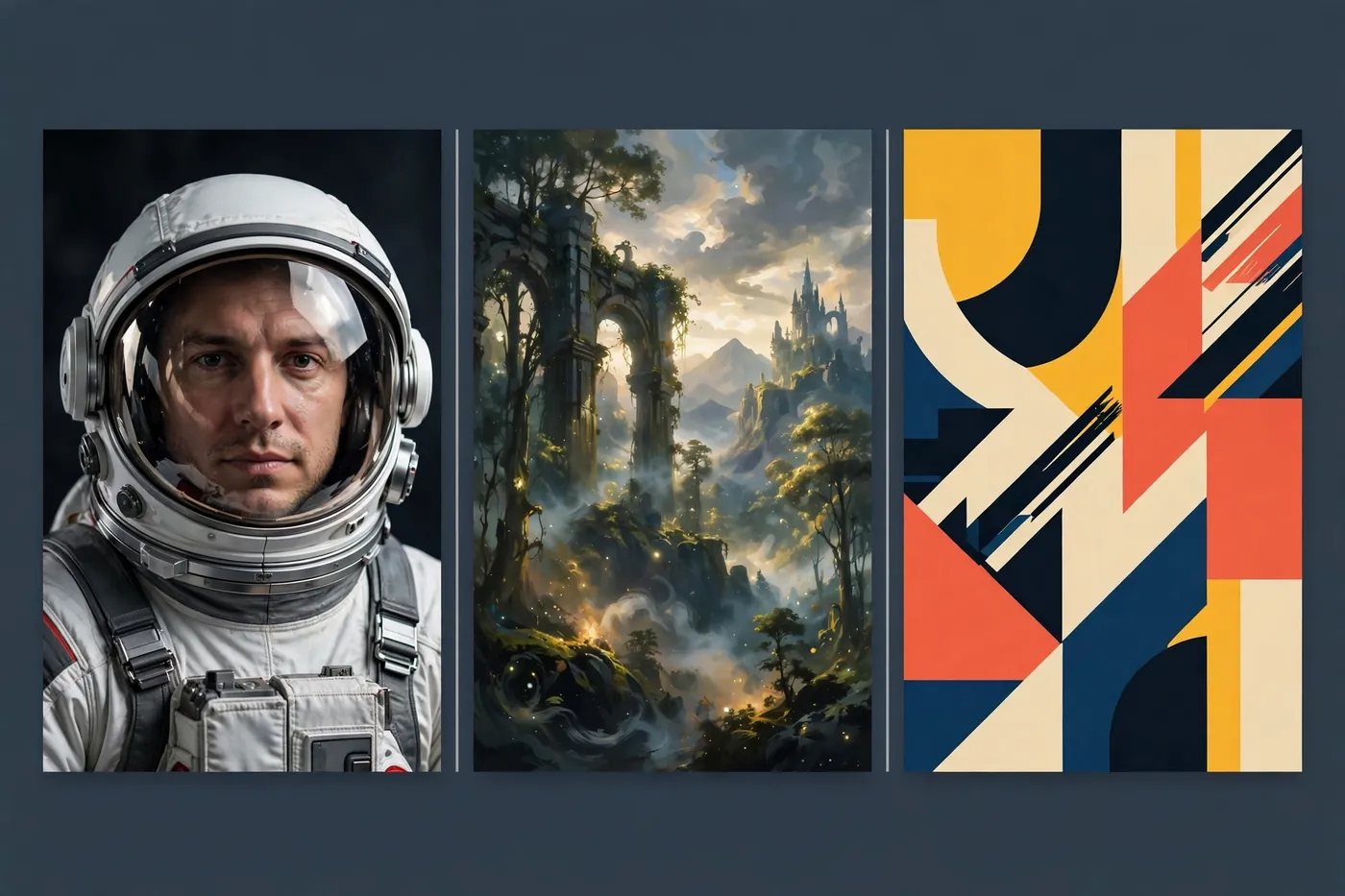
Good prompts are specific. Compare “a dog” with “a golden retriever puppy running through a sunlit meadow, shallow depth of field, cinematic lighting.” The second gives the model concrete visual targets. Name the subject, setting, lighting, and style.
Three techniques that consistently improve results:
- Stack details gradually: start with the subject, then add environment, then style. Long single-shot prompts can confuse weaker models.
- Use style anchors: phrases like “editorial photography” or “flat vector illustration” steer the aesthetic fast.
- Iterate with variations: generate four versions, pick the best composition, then refine only that one.
Common Mistakes Beginners Make
- Vague prompts: “a nice picture” gives the model nothing to work with. Be concrete.
- Wrong aspect ratio: a square default looks wrong as a YouTube thumbnail — set dimensions first.
- Skipping the fine print: free tiers and subscriptions differ wildly on commercial rights — read the license.
- Over-editing: heavy touch-ups on faces and hands still look uncanny — pick a cleaner generation instead.
- Using AI images for news or identity: never present generated imagery as real photography of real people or events.
Text-to-Image Technology: The Bigger Picture
These tools are all examples of text-to-image models, one of the most visible applications of generative AI. For the technical background — diffusion processes, training-data debates, and evaluation methods — the text-to-image models article on Wikipedia is a solid starting point.
Frequently Asked Questions
What is the best free AI image generator in 2026?
Google Gemini’s image models (Nano Banana Pro / Imagen) currently offer the best free experience: strong photorealism, character consistency, and no subscription. Ideogram and Leonardo also provide usable free tiers with daily limits.
Can I use AI-generated images commercially?
It depends on the tool’s terms. Adobe Firefly is the safest option because it trains on licensed content. Always check the current license before publishing client or brand work.
Which AI image generator is best at text inside images?
Ideogram 3 leads on typography accuracy, with Flux 2 and DALL·E close behind. Midjourney still lags on text rendering despite its artistic strengths.
Do I need a powerful computer to use AI image generators?
No. Web-based tools like Midjourney, ChatGPT, Gemini, and Firefly run in the cloud. You only need a strong GPU if you self-host open models like Flux or Stable Diffusion.
Are AI-generated images copyrightable?
The rules vary by country and are still evolving — treat this as a legal gray area and consult a professional for commercial projects.
Final Thoughts
The best AI image generators in 2026 are legitimate creative instruments. Start free with Gemini to learn prompting, then invest in the tool that matches your lane: Midjourney for art, DALL·E for ease, Firefly for commercial safety, Flux for control, Ideogram for typography. The skill that matters most is the prompts you write — practice deliberately and build a reference library of what works.
