


The best AI coding assistants 2026 has to offer are no longer just autocomplete. They read your whole codebase, plan multi-file changes, run tests and fix their own mistakes. Stack Overflow’s 2024 Developer Survey found that 76 percent of developers already use or plan to use AI coding tools. The question is no longer whether to use one — it is which one fits how you work.
In this guide, I compare the six AI coding assistants that matter in 2026 — Cursor, GitHub Copilot, Claude Code, OpenAI Codex, Windsurf and the best free alternatives — on price, strengths and free tiers. These tools are part of the wider shift toward AI agents in 2026, software that plans and executes multi-step work on its own.
Best AI Coding Assistants 2026 Compared: Prices and Strengths
Here is how the leading AI coding assistants of 2026 stack up side by side.
| Tool | Best For | Starting Price | Free Tier | Where You Work |
|---|---|---|---|---|
| Cursor | Best overall | $20/mo Pro | Yes, Hobby | AI-native editor |
| GitHub Copilot | Best value | $10/mo Pro | Yes, limited | VS Code, JetBrains, more |
| Claude Code | Big refactors | $20/mo Pro | No | Terminal (CLI) |
| OpenAI Codex | Best free start | $20/mo Plus | Yes, in ChatGPT Free | CLI, IDE, web |
| Windsurf (Devin Desktop) | Cursor-like agent | $20/mo Pro | Yes, light quota | VS Code fork |
| Zed AI / Cline | Speed and freedom | $10/mo / Free | Yes | Editor / VS Code extension |

Cursor: The Best Overall AI Coding Assistant
Cursor is the reference AI editor of 2026: a fork of Visual Studio Code rebuilt around an AI agent that reads your entire codebase, understands how your files connect, and makes multi-file edits from a single prompt. Tell it to add user authentication to your app and it will touch the database model, the API routes and the login page in one pass.
Pricing is straightforward: Hobby is free with limited agent and tab completions, Pro costs $20 a month, Pro+ $60 and Ultra $200 for heavy users. Cursor works with multiple AI models, so you can pick a fast one for completions and a stronger one for planning. The trade-off is cost at scale: heavy agent days consume extra usage on top of the seat price. For most professional developers, Cursor is the best overall AI coding assistant in 2026 because it combines the deepest codebase context with the most natural editor workflow.
GitHub Copilot: The Best Value AI Coding Assistant
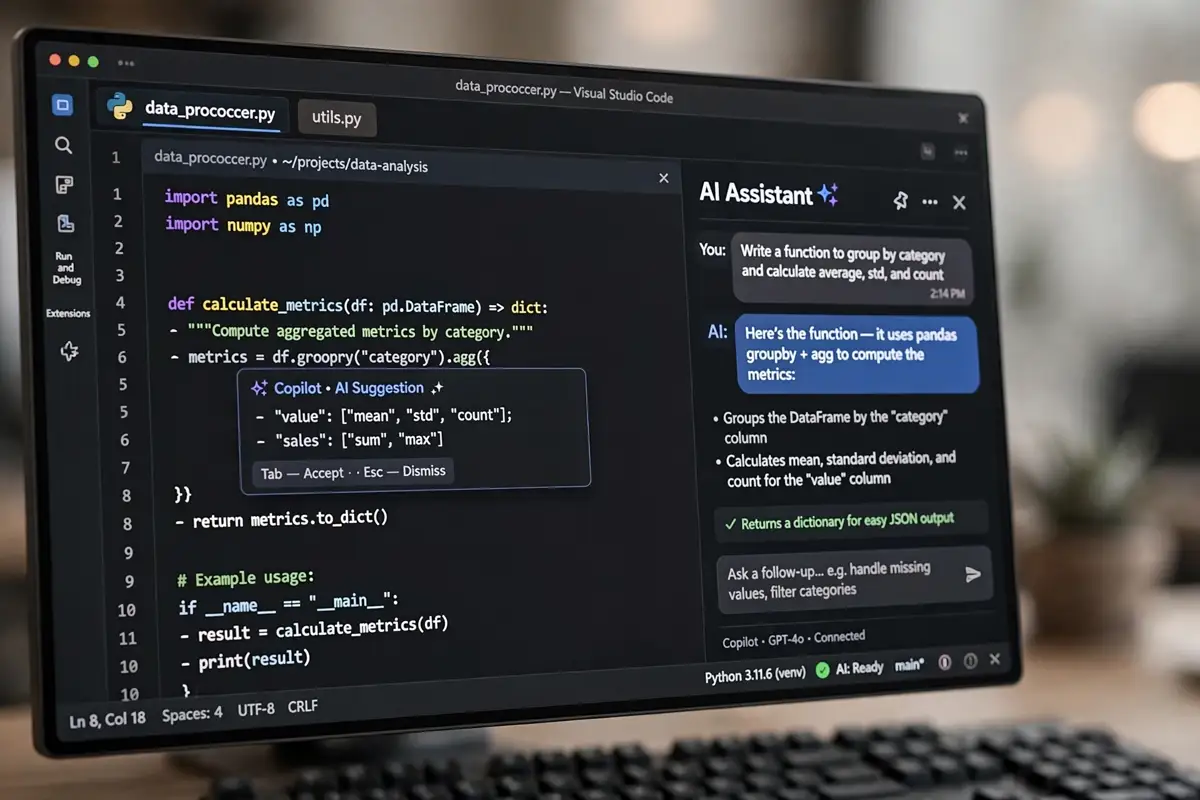
GitHub Copilot is the cheapest complete AI coding assistant in 2026, and the easiest to adopt. It lives inside the editors developers already use — VS Code, JetBrains, Visual Studio and Neovim — so there is almost no switching cost. Since the June 2026 usage-based billing switch, the Pro plan at $10 a month includes unlimited completions, agent mode, chat, CLI access and code review, metered by GitHub AI Credits. The free tier is real: 2,000 completions a month plus limited chat and agent use.
Copilot’s strength is breadth. It works across more editors and languages than any rival, it integrates natively with GitHub pull requests and code review, and at $10 a month it undercuts every paid competitor by half. The weakness is depth: model selection is auto-routed rather than yours to tune, and its agent is less aggressive on large multi-file refactors than Cursor or Claude Code. For teams that want low-friction AI coding for everyone, Copilot is the best value pick. Good prompt engineering in 2026 makes Copilot dramatically better, because clear instructions are what turn a decent completion into a correct one.
Claude Code: The Best AI Coding Assistant for Big Projects
Claude Code is different: a terminal-first agent, not an editor. You run it from the command line, point it at a repository, and it reads the code, plans a multi-step refactor, runs commands and self-corrects until the tests pass. Senior engineers love it for the hardest work — untangling legacy code, migrating frameworks and reasoning across dozens of files.
It is included with Claude Pro at $20 a month and Max at $100 or $200 a month for five or twenty times the usage, with no free tier at all. The one-million-token context window is the largest in this comparison, and its agentic loop — plan, act, test, fix — is the most capable. The trade-off is the interface: there is no graphical editor, only the terminal and IDE extensions, and it only runs Anthropic models. For deep, multi-file engineering rather than quick completions, Claude Code is the best AI coding assistant for the job.
OpenAI Codex: The Best Free Starting Point
OpenAI Codex is the easiest AI coding assistant to try, because it is included in every ChatGPT plan — including the free one. Codex runs as a CLI, a VS Code extension, a desktop app and a cloud agent that works unattended on tasks you hand it. ChatGPT Go at $8 a month and Plus at $20 a month add real usage quotas, with token-based Codex credits since April 2026.
Codex shines for developers who already live in ChatGPT: the same subscription covers chat, coding and cloud tasks, and the zero-cost start makes it the default choice for students and beginners. Heavy autonomous runs are where the credits start to bite, and Codex is less deeply integrated into the editor than Cursor or Copilot. But as a free entry point, nothing else in 2026 comes close.
Windsurf, Kiro and Zed: The Best Alternatives
Windsurf, now folded into Devin Desktop by Cognition in June 2026, is the closest Cursor-like alternative: a VS Code fork with a Cascade-style agent and unlimited tab completions. Pro costs $20 a month with a free tier that carries a light quota.
Amazon’s Kiro takes a different approach: spec-driven development, where you write a specification first and the agent builds it. Pro costs $20 a month with a free tier of 50 credits, and it is the natural choice for AWS-native teams. Zed AI is the speed pick: a blazing-fast editor written in Rust, with a free personal plan and Pro at $10 a month. Cline is the open-source option — a free VS Code extension that works with any model you bring, including local models through Ollama.
How to Choose the Best AI Coding Assistant in 2026
The right tool depends on your workflow, not the feature list. Work through these steps.
Step 1: Start with your editor
If you live in VS Code and never want to leave it, GitHub Copilot or Cline fit with zero friction. If you will switch editors for a better agent, Cursor or Windsurf reward the move.
Step 2: Match the tool to the task
For quick completions and team-wide adoption, pick Copilot. For building features from scratch across many files, pick Cursor. For deep refactors, pick Claude Code. For learning, start free with Codex.
Step 3: Check the free tier first
Try the free plan for a full week of real work before paying. Cursor’s Hobby plan, Copilot’s free tier and Codex in ChatGPT Free are all good enough to test a real project — and the tool that feels natural in week one is usually right.
Step 4: Watch the usage costs
The sticker price is only half the story in 2026. Copilot, Cursor and Codex all meter heavy agent work with credits, so a $10 or $20 plan can cost more on heavy days. Set a monthly budget and check your usage in the first month.

What Wikipedia Says About AI Coding Assistants
GitHub Copilot, launched in 2021 and built on OpenAI’s Codex model, is the best-known assistant in this space. Its history — from the first autocomplete previews to today’s agentic coding — shows how fast this field has moved. You can read the background in the GitHub Copilot article on Wikipedia.
Frequently Asked Questions
What is the best AI coding assistant in 2026?
Cursor is the best overall AI coding assistant in 2026 for most professional developers, thanks to its deep codebase context and multi-model agent. GitHub Copilot is the best value at $10 a month, and Claude Code is the best choice for complex multi-file refactors.
Is there a free AI coding assistant in 2026?
Yes. OpenAI Codex is included in the free ChatGPT plan, GitHub Copilot has a free tier with 2,000 completions a month, Cursor has a free Hobby plan, and Cline is completely free and open source.
How much does GitHub Copilot cost in 2026?
GitHub Copilot Pro costs $10 a month for individuals, with Pro+ at $39 and Max at $100. Business seats cost $19 and Enterprise seats $39. The free tier includes 2,000 completions a month.
Can AI coding assistants replace programmers?
No. GitHub’s study found 55 percent faster task completion with AI coding tools, but they still need a human to define the problem, review the code and own the result. They are pair programmers, not replacements.
Which AI coding assistant is best for beginners?
OpenAI Codex is the best starting point for beginners because it is free inside ChatGPT and needs no setup. GitHub Copilot is the next step up, since it works inside the editors beginners already use.
Conclusion
The best AI coding assistants 2026 offers turn one developer into a faster, sharper version of themselves. Cursor is the best overall pick, GitHub Copilot is the best value for teams, Claude Code is the best agent for deep refactors, and Codex is the best free place to start. Try the free tier of two or three tools for a week each, watch the real usage costs, and pick the one that fits your workflow.
