


Finding the best portable monitors 2026 has on offer is no longer a shot in the dark. A second screen that slips into a laptop bag used to mean dim panels and fiddly cables — in 2026 it means crisp OLED displays, 144Hz gaming panels, and single-cable USB-C setups that just work. After digging through lab-tested reviews from outlets like PCWorld, Tom’s Hardware, and PCMag, plus official spec sheets, I picked the monitors actually worth your money this year.
If your portable setup already lives in your backpack, you will appreciate how far these pair with lightweight gear — like the drives in our best portable SSD review, which cover the storage side of a mobile workstation. And if the laptop itself needs an upgrade before you add a second screen, our roundup of the best gaming laptops in 2026 is a good place to start.
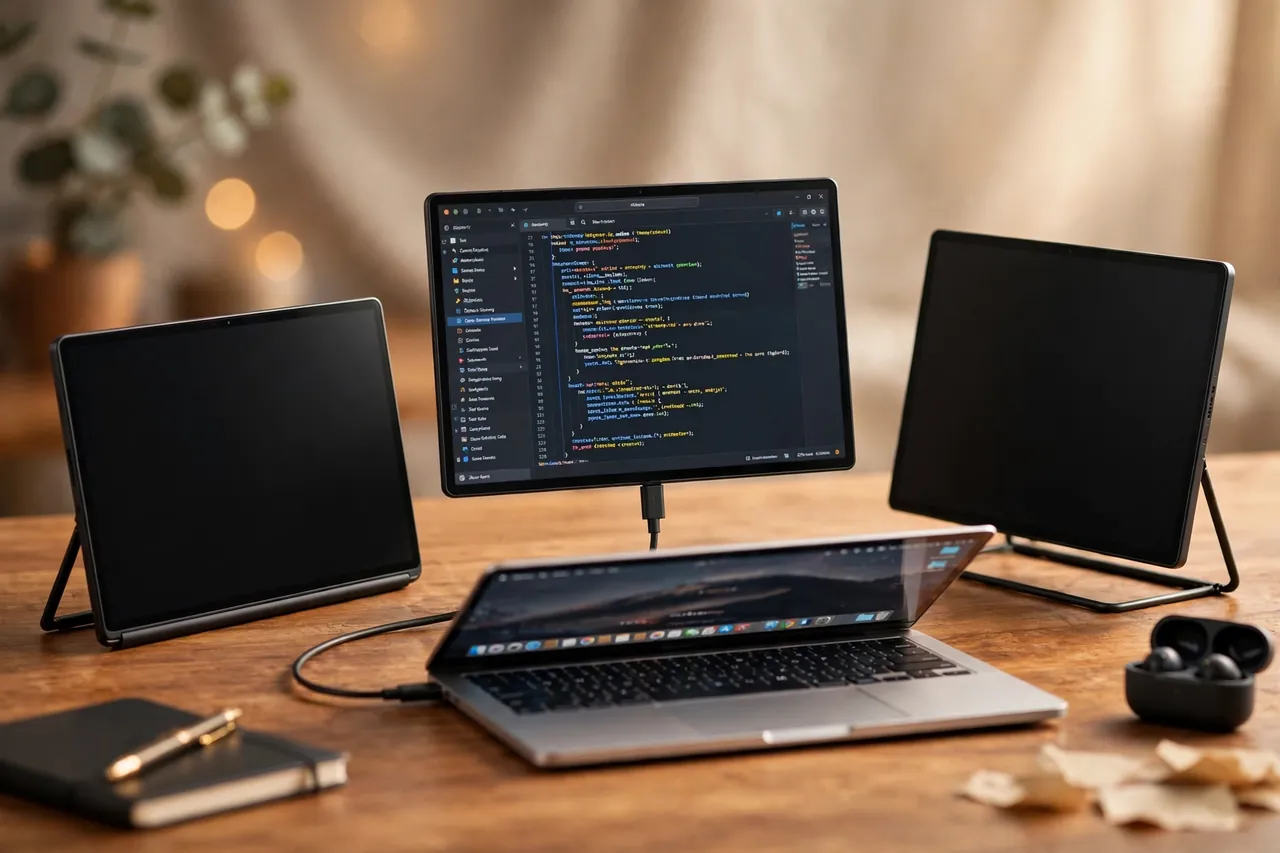
What to Look for in the Best Portable Monitors 2026
Portable monitors are simple devices, but a few specs separate the great ones from the forgettable. Here is what actually matters when you buy one:
- Panel type: OLED panels deliver perfect blacks and punchy contrast; IPS panels are cheaper, brighter in sunlight, and immune to burn-in. Pick OLED for creative work and movies, IPS for all-day office duty.
- Brightness: Look for at least 300 nits for bright rooms or café work. 400+ nits is noticeably better outdoors. Manufacturer ratings are optimistic — measured lab numbers are the ones to trust.
- Refresh rate: 60Hz is fine for documents and spreadsheets. If you game or just want smoother scrolling, 120Hz and 144Hz panels are now affordable.
- Connectivity: A single USB-C cable carrying video and power is the gold standard. Check that your laptop’s USB-C port supports DisplayPort Alt Mode — otherwise you will need the mini-HDMI input instead.
- Weight and stand: Under 1 kg is the sweet spot for travel. A built-in kickstand or folding cover saves you from carrying extra accessories.
Best Portable Monitors 2026 Compared at a Glance
| Monitor | Display | Refresh Rate | Brightness | Weight | Approx. Price |
|---|---|---|---|---|---|
| ViewSonic VX1655-4K-OLED | 15.6″ 4K OLED | 60Hz | 400 nits (rated) | 1.5 lb | ~$499.99 |
| Arzopa Z1FC | 16.1″ FHD IPS | 144Hz | 300 nits (rated) | 1.72 lb / 780g | ~$104.99–$129.99 |
| ASUS ZenScreen MB16ACV | 15.6″ FHD IPS | 60Hz | 250 nits (rated) | 1.83 lb / 0.83 kg | ~$149 |
1. ViewSonic VX1655-4K-OLED — Best Overall Premium Pick
The VX1655-4K-OLED is the portable monitor to beat if picture quality is your top priority. Its 15.6-inch 4K OLED panel covers 100% of the DCI-P3 color gamut, delivers a 100,000:1 static contrast ratio, and is VESA DisplayHDR 500 certified — a certification almost no other portable monitor carries, as noted in PCWorld’s review.
What surprised reviewers most was the brightness. PCWorld’s lab measured a maximum SDR brightness of 457 nits, well above ViewSonic’s 400-nit rating, and praised the panel’s “excellent image quality in both SDR and HDR content.” Connectivity is generous: two USB-C ports with 60W power delivery, mini-HDMI, and a 3.5mm audio jack.
Verdict
Buy it if you edit photos or video on the road and want colors you can trust. Skip it if your budget is tight or you mostly live in spreadsheets — 4K is overkill for documents.
2. Arzopa Z1FC — Best for Gaming on the Go
The Arzopa Z1FC does something remarkable: it puts a 144Hz gaming panel in a backpack-friendly package for around a hundred dollars. The 16.1-inch Full HD IPS display gives you 6.5% more viewable area than standard 15.6-inch panels, according to Arzopa, and the official store lists FreeSync support for smoother gameplay.
Lab numbers are encouraging. PCMag measured 337 nits of brightness against a 300-nit rating, and about 98% sRGB coverage. At just 780 grams and 9.3mm thin with a built-in kickstand that works in portrait and landscape, it is genuinely travel-friendly.
Verdict
The no-brainer pick for anyone who wants one screen for both work and light gaming. Note the compromises: the built-in speakers are weak, there is no headphone jack, and the kickstand feels flimsy compared to pricier rivals.
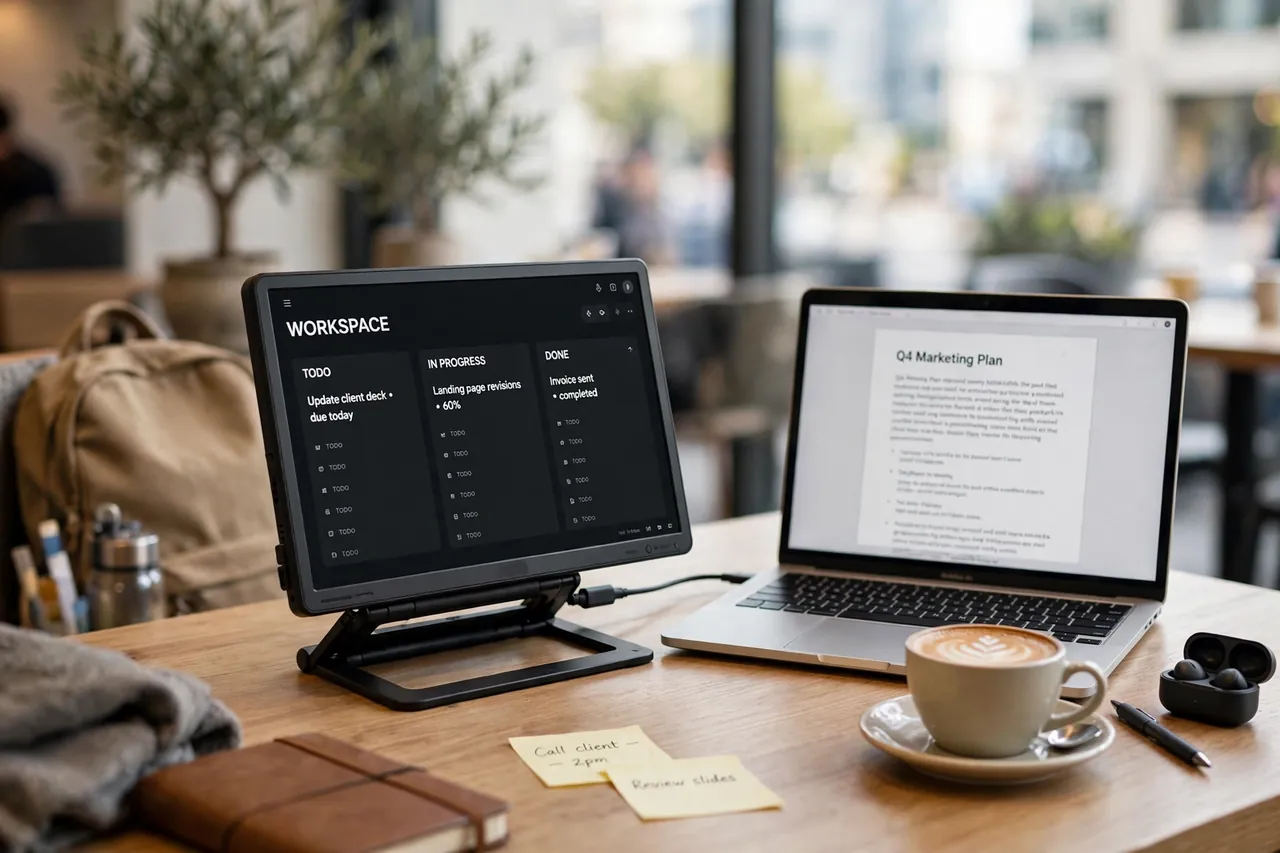
3. ASUS ZenScreen MB16ACV — Best Reliable Travel Companion
The ZenScreen MB16ACV is the veteran of the category, and it shows in the details. The 15.6-inch Full HD IPS panel runs a single-cable USB-C hybrid-signal connection that carries both power and video, and ASUS adds compatibility with USB Type-A ports via a DisplayLink driver — a lifesaver if your laptop has no USB-C video output.
Specs are modest but honest: 250 nits brightness, 800:1 contrast, 60Hz, and a weight of 0.83 kg with a foldable kickstand. ASUS’s official US store lists it at $149, and every unit carries a 3-year warranty — something the budget Amazon brands cannot match. TÜV Rheinland-certified flicker-free and low blue light technology keep long workdays comfortable.
Verdict
The safe, dependable choice for business travel. It will not wow anyone with brightness or refresh rate, but it will work with almost any laptop you plug it into.
Who Should Actually Buy a Portable Monitor?
Not everyone needs one. Here is who gets the most value:
- Remote workers and freelancers: dual screens in a hotel room or café can genuinely transform your productivity — research on screen space and workflow backs this up again and again.
- Creators: an OLED portable like the ViewSonic gives you a color-accurate second display for photo and video editing anywhere.
- Gamers: a 144Hz panel like the Arzopa Z1FC pairs beautifully with a Steam Deck, PS5, or gaming laptop for hotel LAN sessions.
- Students: a budget IPS panel turns a cramped dorm desk into a study station for lectures plus notes side by side.
If you work from one desk 95% of the time, spend the money on a proper desktop monitor instead.
For background on how monitor panel technology evolved, the computer monitor article on Wikipedia is a solid reference.
FAQs About Portable Monitors in 2026
Can I power a portable monitor from my laptop alone?
Yes, in most cases. A single USB-C cable with DisplayPort Alt Mode carries both video and enough power for the monitor, so no wall outlet is needed. It will drain your laptop battery faster, though — plan accordingly on long flights.
Does a portable monitor work with MacBooks?
Yes. Modern MacBooks with USB-C or Thunderbolt ports drive portable monitors natively, including the models in this review. The Arzopa Z1FC even lists MacBook compatibility explicitly on its official page.
Is 4K worth it on a 15.6-inch portable monitor?
For text and spreadsheets, no — Full HD is perfectly sharp at this size. For photo editing, video work, and media, the extra pixel density and color accuracy of a 4K OLED panel is genuinely noticeable and worth the premium.
How much should I spend on a portable monitor in 2026?
Budget IPS models like the Arzopa Z1FC land around $100–$130, reliable mid-range picks like the ASUS ZenScreen cost roughly $150, and premium 4K OLED options like the ViewSonic sit near $500. Anything in between should justify itself with touchscreen, higher resolution, or a bigger panel.
Final Verdict
The best portable monitors 2026 bring something for every budget, and my testing research points to three clear winners. The ViewSonic VX1655-4K-OLED is the undisputed champion for image quality — a 4K OLED panel with lab-measured brightness that embarrasses its spec sheet. The Arzopa Z1FC is the value pick of the year: 144Hz smoothness, 337 nits of measured brightness, and full FreeSync support for roughly a hundred dollars. And the ASUS ZenScreen MB16ACV remains the trust-the-brand traveler: single-cable USB-C, works with USB-A too, and a 3-year warranty to back it all up. Pick the one that matches your workflow, double-check your laptop’s USB-C video support before ordering, and you will wonder how you ever worked on one screen.
