


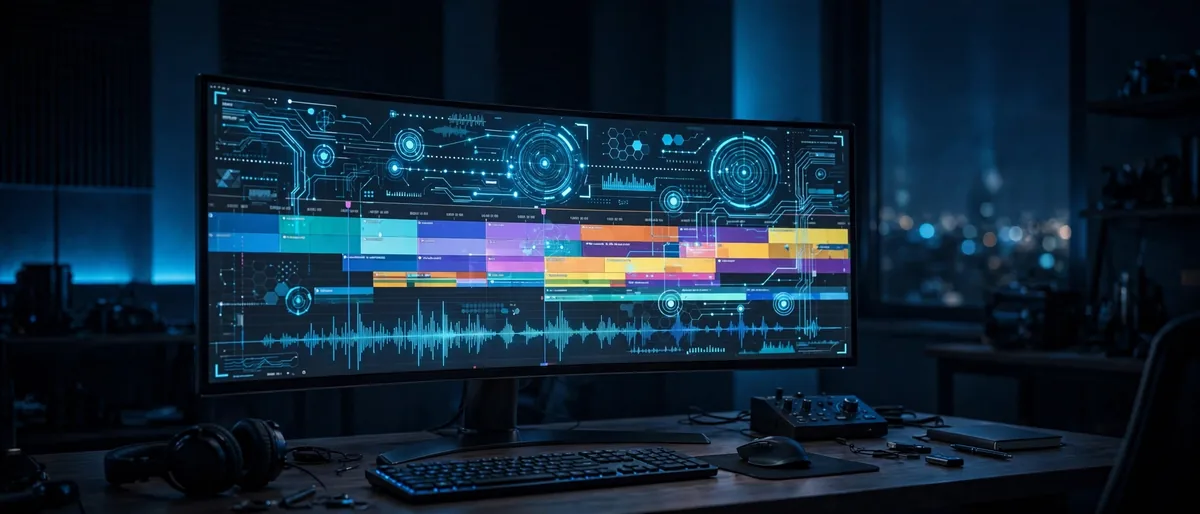
Editing video used to mean long nights hunched over a timeline, trimming clips frame by frame and typing out captions by hand. In 2026, AI video editing has changed that picture dramatically. Modern AI tools can now watch your footage, find the best moments, cut the dead air, generate captions, and even reframe a horizontal video for vertical platforms — all in minutes.
This shift isn’t just about speed. AI is quietly changing who gets to make good video. A solo creator with a laptop can now produce work that once required a small editing team. But the tools are only half the story. Knowing where AI genuinely helps — and where it still needs a human eye — is what separates a smooth workflow from a frustrating one.
Even general-purpose assistants like ChatGPT have found their way into the editing process, helping creators brainstorm titles, write scripts, and plan shot lists before a single clip is imported. Here’s how AI is reshaping video editing in 2026, and how to use it well.
The Biggest Ways AI Edits Video Now
The most useful AI editing features aren’t the flashy ones. They’re the boring, repetitive tasks that used to eat hours of every project.
Automatic Cuts and Scene Detection
AI can now scan hours of footage and identify scene changes, long silences, and filler words with remarkable accuracy. Tools with text-based editing let you delete a sentence from the auto-generated transcript and watch the corresponding video clip disappear from the timeline. For talking-head videos, podcasts, and interviews, this single feature can cut rough-cut time by more than half.
The results still need review. AI occasionally mistakes a dramatic pause for dead air, or cuts a reaction shot that gave a scene its emotional punch. Treat the automatic cut as a strong first draft, not a finished edit.
Captions and Transcripts in Seconds
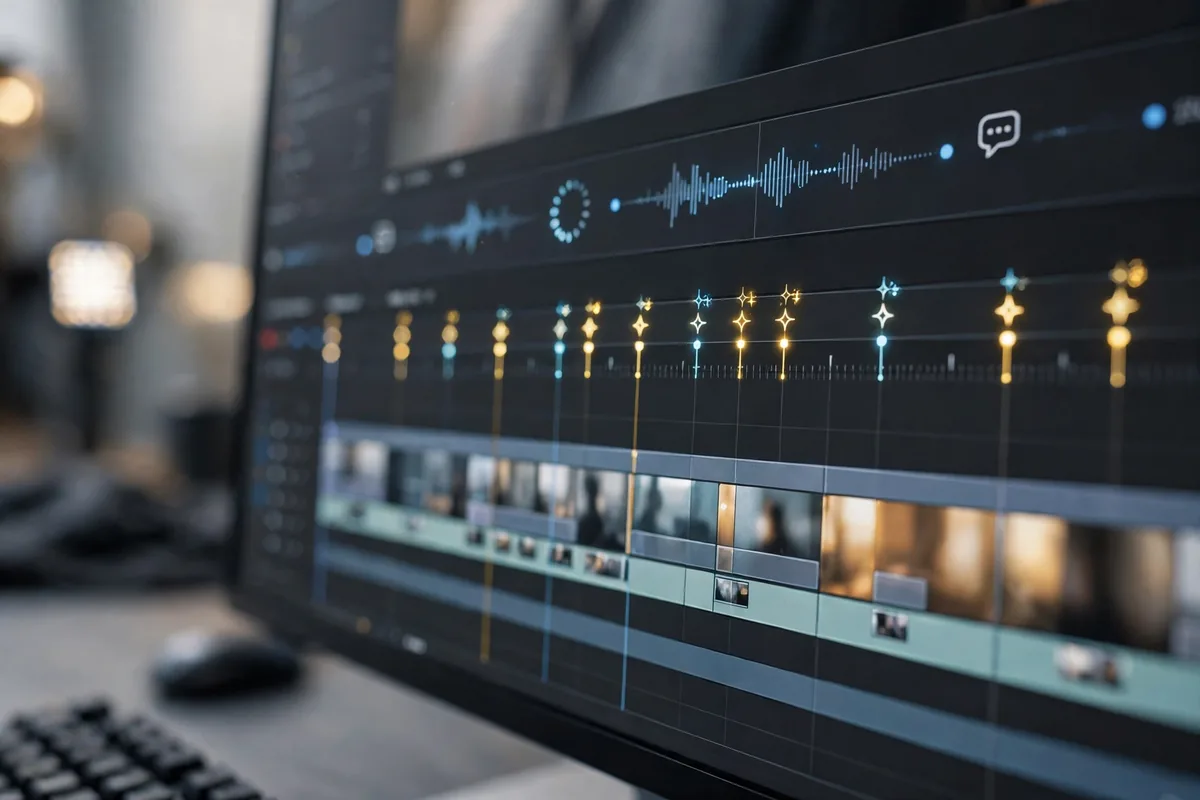
Auto-captioning has gone from a nice extra to an expectation. Viewers watch a huge share of video with sound off, and platforms reward captioned content with better retention. Today’s AI transcription handles accents, background noise, and multiple speakers far better than the tools from just two years ago.
Many editors now generate captions first and use the transcript as the actual editing interface — rearranging sentences in text form and letting the video follow. It’s a completely different way to think about the timeline.
Smart Reframing for Every Platform
Shooting once and publishing everywhere used to mean awkward crops. AI reframing tracks the subject — a face, a product, the action — and keeps it centered as it converts horizontal footage to vertical or square formats. For creators publishing to both YouTube and short-form platforms, this removes one of the most tedious steps in the process.
Color and Audio Cleanup
AI color matching can balance shots from different cameras in one click, and AI audio tools remove background hum, echo, and wind noise that once required careful manual work. These aren’t glamorous features, but they’re the difference between footage that looks amateur and footage that looks intentional.
How Creators Actually Use AI in Their Workflow
The creators getting the most from AI editing aren’t letting it do everything. They’ve built workflows where AI handles the mechanical work and humans handle the creative decisions.
Rough Cut First, Polish Later
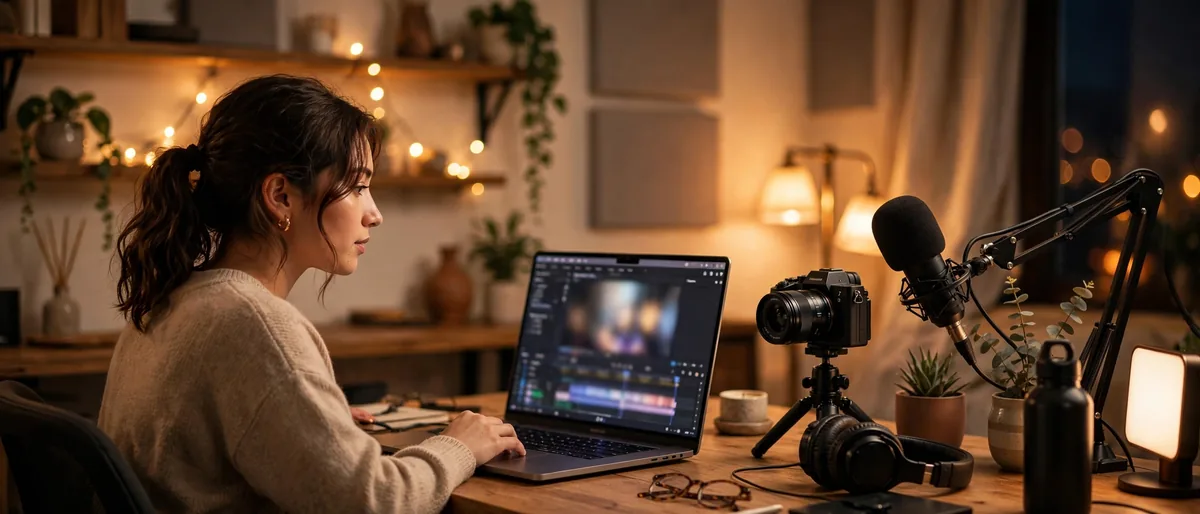
A common workflow in 2026 looks like this: import footage, let AI generate a transcript and a rough assembly, then spend your actual creative energy on pacing, music, and story. The AI does in twenty minutes what used to take an evening, and the human does the part AI still can’t — deciding what the video should make the viewer feel.
Short-Form Repurposing
One of the most popular AI workflows is turning long videos into short clips. AI identifies quotable moments, funny reactions, and self-contained insights, then cuts them into vertical clips with captions baked in. Creators who once published one video a week can now feed three platforms from the same recording session.
AI Video Editing Tools Worth Knowing
The landscape moves fast, but a few categories of tools have proven genuinely useful rather than just novel.
Text-Based Editors
Tools that let you edit video by editing a transcript have become the default starting point for dialogue-heavy content. Descript pioneered the approach, and in 2026 several competitors offer their own versions with better accuracy and more export options.
Generative Fill and Object Removal
Need to remove a mic from a shot, extend a background, or clean up an unwanted object? AI fill tools handle in seconds what once required painstaking frame-by-frame work. The results aren’t always perfect on close inspection, but for most publishing contexts they’re more than good enough.
AI Avatars and Voiceovers
AI-generated presenters and voiceovers have matured to the point where they’re genuinely useful for faceless channels, explainer videos, and multilingual content. The ethical lines here matter — disclose AI-generated presenters, and never use the technology to fake a real person’s likeness without consent.
Where AI Still Falls Short
For all its progress, AI editing has clear limits. It doesn’t understand story structure the way an experienced editor does. It can’t tell when breaking a rule — a jump cut, an awkward pause, an intentionally ugly shot — is the right creative choice. Comedy timing, emotional pacing, and narrative tension remain stubbornly human skills.
AI also struggles with taste. It can balance your audio levels perfectly and still produce a video that feels flat, because it optimized for technical correctness instead of feeling. The best AI-assisted edits in 2026 are the ones where a human made the final call on every creative decision.
The broader history of video editing shows the same pattern repeating: every new technology, from non-linear editing to digital effects, first promised to replace editors, then settled into being a powerful tool in their hands. AI is following the same path.
Frequently Asked Questions
Can AI fully edit a video by itself in 2026?
Not well. AI can assemble a rough cut, add captions, and clean up audio, but the creative decisions — pacing, story, emotion — still need a human. Fully automated edits tend to feel generic.
What is the best AI video editing workflow for beginners?
Start with auto-transcription and text-based editing. It’s the easiest AI feature to learn, it saves the most time, and it teaches you to think about your video’s structure before touching the timeline.
Does AI video editing work for professional projects?
Yes, increasingly. Professionals use AI for assembly, transcription, reframing, and cleanup, then finish by hand. The AI handles volume; the editor handles judgment.
Will AI replace video editors?
It’s replacing the tedious parts of editing, not the creative parts. Editors who learn to direct AI tools are faster and more productive; editors who ignore them risk falling behind.
Is AI-generated video content allowed on major platforms?
Yes, with disclosure rules tightening. YouTube and others now ask creators to label significantly AI-altered content. Check each platform’s current policy before publishing.
Conclusion
AI hasn’t replaced the video editor in 2026 — it has replaced the most boring parts of video editing. Transcription, rough cuts, captions, reframing, and cleanup are now minutes-long tasks instead of hours-long ones. The creators thriving with these tools share one habit: they let AI do the mechanical work and keep the creative decisions for themselves. Learn that division of labor, and AI becomes the most useful assistant you’ve ever hired — one that never sleeps and never complains about the boring stuff.
