



Everyone takes notes, but almost nobody loves their note-taking apps. Ideas land in three different apps, meeting notes vanish into a chat thread, and that brilliant thought from Tuesday is gone by Thursday. The right app won’t fix your memory, but it will stop your notes from working against you.
The good news is that the options in 2026 are better than ever. Whether you want a simple digital notebook or a full personal knowledge base, there’s a tool built for exactly how your brain works. Many of them are free software with generous free tiers, so you can try before committing to anything.
Before you pick, it’s worth thinking about where you’ll actually take notes. If most of your work happens on a PC, the Windows apps you pair with your notes matter too. Here’s how the best note-taking apps in 2026 compare, and which one fits your workflow.
What Makes a Great Note-Taking App
A good note-taking app does four things well: it captures ideas fast, organizes them without demanding constant maintenance, finds anything in seconds, and syncs everywhere you work. Everything else — templates, AI summaries, fancy formatting — is a bonus.
Speed of capture matters more than most people realize. If opening the app and starting a note takes more than a few seconds, you’ll stop using it. The best apps feel instant, whether you’re on a phone, a tablet, or a desktop.
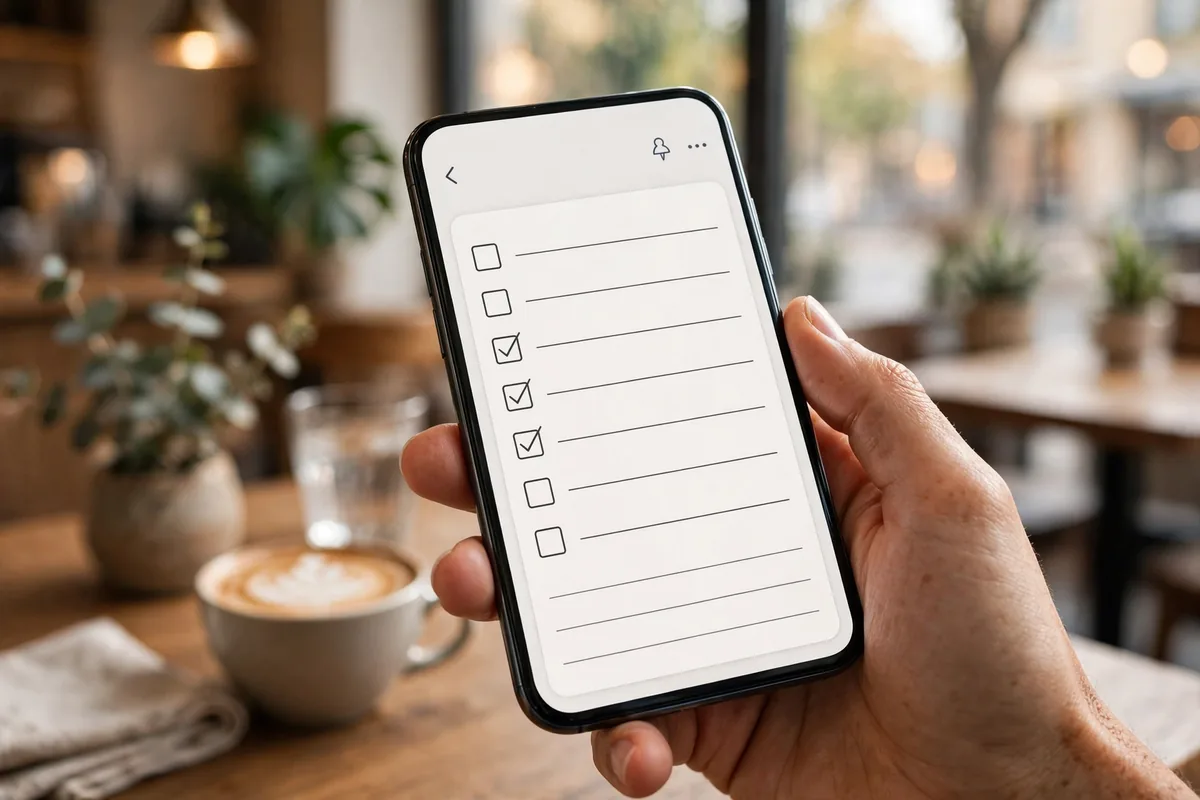
Notion: The All-in-One Workspace
Notion remains the most flexible option in 2026. Notes, databases, task lists, wikis, and calendars all live in one place, and you can link them together however you like. For teams and power users who want one tool for everything, nothing else comes close.
The trade-off is complexity. Notion can feel like a blank canvas that demands you design your own system before it becomes useful. If you enjoy building workflows, that’s a feature. If you just want to jot things down, it can feel like overkill.
Obsidian: The Thinking Tool
Obsidian takes a different approach: your notes are plain text files on your own device, connected through links you create between them. Over time, those links form a personal knowledge graph that surfaces connections you forgot you made.
Writers, researchers, and students doing long-term projects love this. The learning curve is real, but the payoff is a notes system that actually gets more valuable the longer you use it. And because your files are yours, you’re never locked in.
Apple Notes: The One You Already Have
Apple Notes has quietly become excellent. It’s fast, it syncs instantly across Apple devices, it handles scanned documents and checklists well, and it’s free with no meaningful limits. For anyone deep in the Apple ecosystem, the honest question is whether you need anything else.
The answer is usually no — unless you need serious organization features, collaboration with non-Apple users, or a web app that isn’t an afterthought.
OneNote: The Freeform Canvas
OneNote’s freeform pages — where you can click anywhere and start typing, draw, or paste — still feel unique. It’s the closest digital equivalent to a paper notebook, and it remains free with generous storage through a Microsoft account.
It’s at its best with a stylus. Students and anyone who thinks in diagrams, arrows, and margin scribbles will feel at home. The interface can feel dated next to newer apps, but the core experience holds up.

Google Keep: The Simple One
Google Keep does less than every other app on this list, and that’s the point. Quick notes, checklists, reminders, and voice memos — captured in seconds, searchable instantly, synced everywhere Google reaches. For grocery lists, fleeting ideas, and reminders, it’s perfect.
Don’t try to build a knowledge base in it. Keep is a capture tool, not an organization tool, and it shines when you let it be exactly that.
Which App for Which Person
Students
OneNote or Notion. OneNote if you handwrite or draw; Notion if you want everything — notes, deadlines, and project tracking — in one workspace.
Writers and Researchers
Obsidian. The linked-notes approach rewards long-term thinking, and owning your files means your work survives any company’s business decisions.
Teams
Notion. Shared workspaces, permissions, and databases make it the obvious pick when notes need to be collaborative.
Everyone Else
Whatever came with your phone. Apple Notes or Google Keep will handle 90% of real-world note-taking, and the best app is the one you’ll actually open.
The humble practice of note-taking predates computers by centuries, and the research is consistent: writing things down helps you remember them. The app is just the container — the habit is what matters.
How to Migrate Without Losing Your Mind
Switching apps is where most people stall. The trick is to migrate gradually, not all at once. Start new notes in the new app while keeping the old one for reference. After a month, you’ll know whether the switch stuck — and most of your important notes will have migrated naturally through daily use.
For bulk moves, export from your old app first. Most major apps export to Markdown, HTML, or PDF. Notion and OneNote both have importers for common formats, and Obsidian happily reads any folder of Markdown files you point it at. Test the import with a handful of notes before moving everything.
One more tip: don’t try to reorganize during migration. Move first, organize later. Reorganizing while migrating doubles the work and most of your old organizational structure won’t fit the new app anyway. Get everything across, live with it for two weeks, then design the system that fits how you actually use the new tool.
Frequently Asked Questions
What is the best free note-taking app in 2026?
Notion’s free tier is the most generous for power users, OneNote is completely free with no meaningful limits, and Apple Notes and Google Keep are free if you’re in their ecosystems.
Is Notion or Obsidian better for students?
Notion is better for organizing coursework, deadlines, and group projects. Obsidian is better for deep research and connecting ideas across semesters. Many students end up using both.
Can I switch note-taking apps without losing my notes?
Usually, yes. Most major apps offer import tools or export to standard formats. Obsidian’s plain-text files are the easiest to move; proprietary formats take more effort.
Do I need a paid note-taking app?
Almost certainly not. The free tiers of Notion, OneNote, Apple Notes, and Google Keep cover what most people need. Pay only if you hit a specific limit that matters to you.
Are my notes private in these apps?
Cloud-synced notes are readable by the provider in most cases. If privacy is critical, use Obsidian with local-only storage or an app with end-to-end encryption.
Conclusion
There’s no single best note-taking app in 2026 — there’s only the best one for how you think. Want everything in one place? Notion. Want to build a web of ideas over years? Obsidian. Want something that just works? The app that came with your phone. Pick one, use it for a month, and stop shopping for apps. The perfect notes system is the one you stop thinking about.

2 Comments
Pingback: VPN Apps 2026: Ultimate Guide to Secure Browsing
Pingback: Best Cloud Storage Apps 2026: Top Picks for Files